

The TikTok platform has changed how everyone watches videos. Its watermark is a major hurdle for creators who want to repost content on various platforms. If you want to upload videos across all platforms like Instagram, YouTube, and Pinterest, that logo is your enemy.
Re-uploading watermarked videos often results in lower reach because platforms prioritize original content. To stay ahead, you need a reliable way to remove watermark from videos and reclaim your footage. Today, tools range from high-end AI agents to quick browser tools you can use to remove watermarks.
1. Vmake AI
Vmake functions as a broad production system rather than just a narrow editing app. It is an AI agent designed for small businesses and solo entrepreneurs who need studio-level marketing videos. It does not just delete pixels. It uses a conversational agent to manage what is effectively a digital video crew.
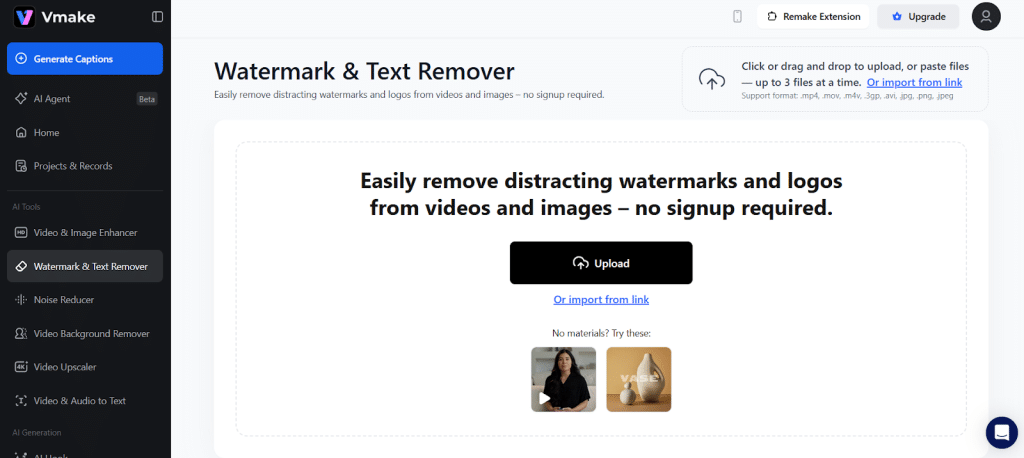
The platform excels at batch enhancement. If you have ten different TikTok videos that need to be prepped for a campaign, you can remove watermarks and enhance the video quality in one go. This saves hours for creators producing high volumes of daily content.
Key Features
- Chat Interface: Natural language controls nearly 200 different capabilities.
- Resolution Boost: It uses a generative model to boost video quality so they look natural at 4K.
- AI Teleprompter: This mobile-exclusive feature scrolls text based on your voice speed.
- Creative Inspiration: You get ready-made templates with prefilled prompts for quick outputs.
Pros:
- It maintains realistic textures in human subjects and backgrounds.
- Cloud-based processing ensures your phone does not overheat during enhancement.
- The interface is very clean and easy for non-experts to navigate.
Cons:
- A stable internet connection is required for uploading large video files.
2. SnapTik
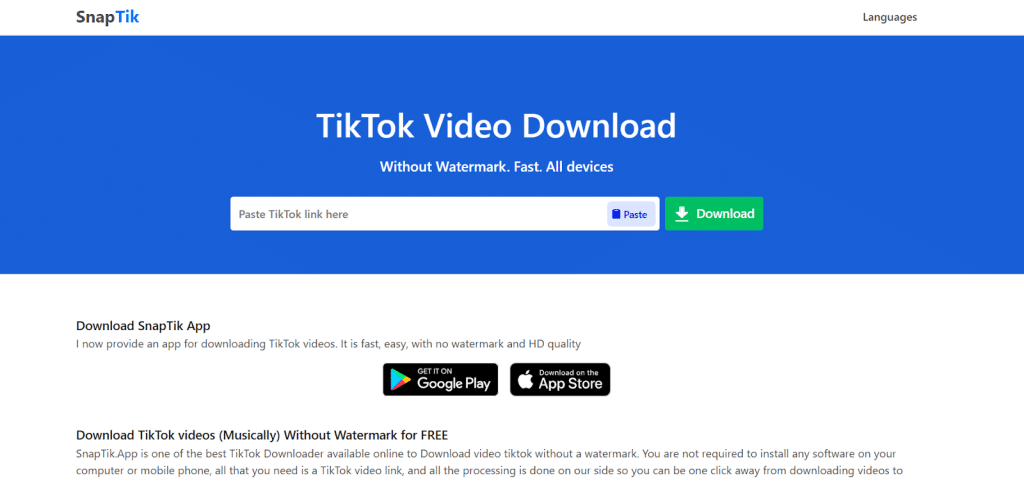
SnapTik is a well-known name for TikTok downloading. It is a web-based service that allows you to paste a link and download the video without a watermark in seconds. It is purely a downloader. It does not edit an existing file on your phone. Instead, it fetches the clean version from the web.

Key Features
- No software installation is required because it works entirely in your browser.
- It is generally free to use and supported by advertisements.
- It offers fast processing speeds for single-link downloads.
Pros:
- There is no need for an account or login to get started.
- It works well on mobile browsers for quick posting.
Cons:
- The site is heavy on advertisements, which can be intrusive.
- There is no batch processing available, so you must do every video one by one.
- It does not offer any editing or quality enhancement features.
3. CapCut
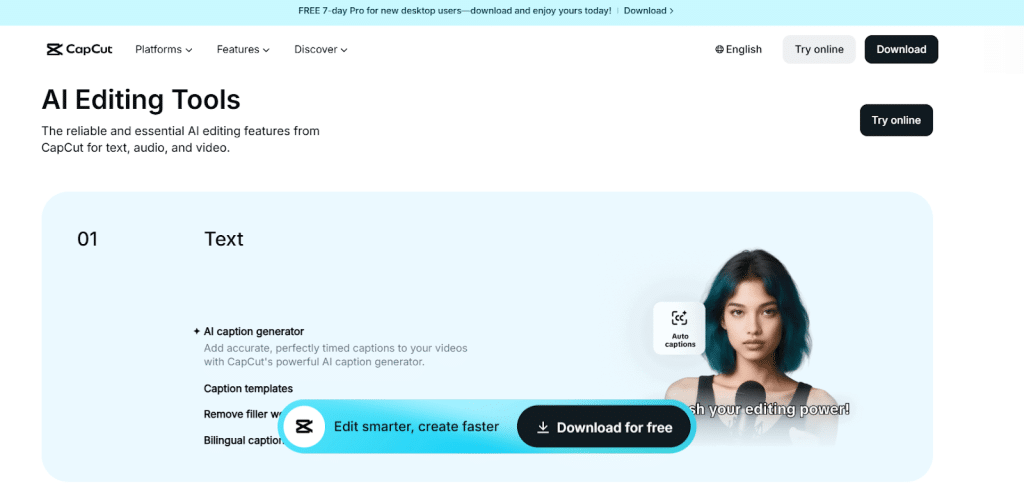
CapCut is the standard for content going straight to TikTok or Reels. It is built for speed and social-first aesthetics. While it is primarily used for cutting clips, its built-in enhancement tools are surprisingly effective. Since CapCut and TikTok share the same parent company, their integration is seamless.
Key Features
- Auto-Captions: These are essential because many users watch videos with the sound off.
- Enhance Image Quality: A simple switch attempts to sharpen edges and clear up pixelation.
- Noise Reduction: A tool that allows you to remove grain without losing essential detail.
Pros:
- The workflow is highly optimized for modern mobile hardware.
- It offers a massive library of trending music and templates for quick editing.
Cons:
- It can struggle to fix truly ruined footage or clips with extreme motion blur.
- You must manually crop or cover watermarks if you are not using a direct downloader.
4. HitPaw Watermark Remover
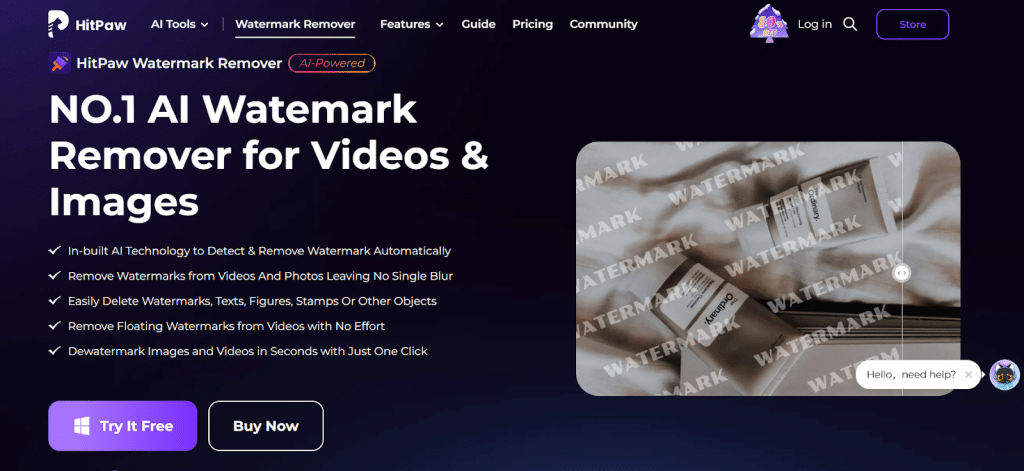
Another tool to discuss is the HitPaw watermark remover tool, which is specifically created to remove unwanted objects from media. Choose HitPaw Watermark Remover. It uses AI to fill in the area where the watermark was. This makes it a strong choice for videos with complex backgrounds where a simple blur would look obvious.
Key Features
- AI-powered texture repair fills in the background after removal.
- It allows for the precise selection of multiple watermark areas at once.
- It supports both video and image files for consistent branding.
Pros:
- High precision ensures the final result is cleaner than basic blurring tools.
- It can handle multiple watermarks in the same frame simultaneously.
Cons:
- Many of the best features are locked behind a paid subscription.
- Processing time for high-definition videos can be slow, depending on your hardware.
5. Wink
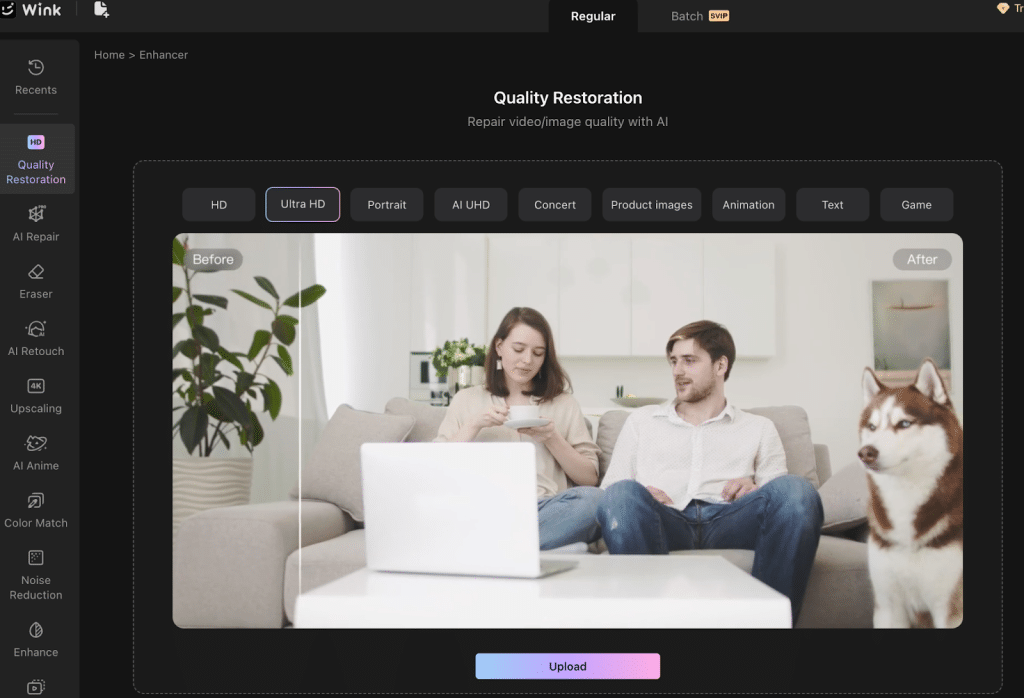
Wink is widely recognized as a powerful tool for restoring human details in videos. If in your video, faces blur out or get out of focus, this is the effective tool you can choose. It is a favorite for creators who want their subjects to look incredibly sharp.
Key Features
- Facial Enhancement: It detects every face in the frame and applies a restoration model.
- Color Restoration: This restores natural vibrancy and skin tones.
- Background Cleanup: This reduces visual clutter and noise surrounding the main subject.
Choosing the Right Tool for Your Workflow
The tool you want to choose should be focused on the specific issue you’re facing.
- For the Casual User: SnapTik is the best bet. It is free and fast for the occasional personal repost.
- For the Lifestyle Influencer: Remini is excellent for ensuring your facial details look polished.
- For the Professional Marketer: Vmake is the best choice for a one-stop solution. It handles the core assets where quality and strategy are paramount.
- For the Social Editor: CapCut remains the standard for speed and trendy transitions.
Final Thoughts
The barrier to entry for professional-looking video has essentially vanished. Going from a raw phone clip to a 4K narrated listing or ad in under ten minutes is no longer a futuristic concept. This shift allows smaller creators to compete with much larger firms by simply being more efficient with their software.